Blog · use-case
System design interviews: practise, present and hand in the diagram
How to use Diagramly for system design interview prep, in the interview itself, and for the PDF or slide deck you send afterwards. No whiteboard required.
A system design interview is forty-five minutes of thinking out loud with a marker in your hand. The drawing is the answer. The interviewer is watching you turn requirements into boxes, arrows and trade-offs, which makes this one of the few skills where the tool you practise with really matters. Fumbling a shape palette during a mock costs you the thing you're there to practise.
Diagramly is built for exactly that pace: you type, the diagram appears, you keep talking.
Practising at home
Pick a classic prompt (a URL shortener, a news feed, a chat app, ride matching) and give yourself the clock. Start from the sketch line: press / and write the first cut.
That's nine shapes and the arrows between them, laid out, in the time it takes to say it. From there, work the way you would at the board:
- Group as you go. Edge in one frame, services in another, data in a third (the Frame tool, F, or
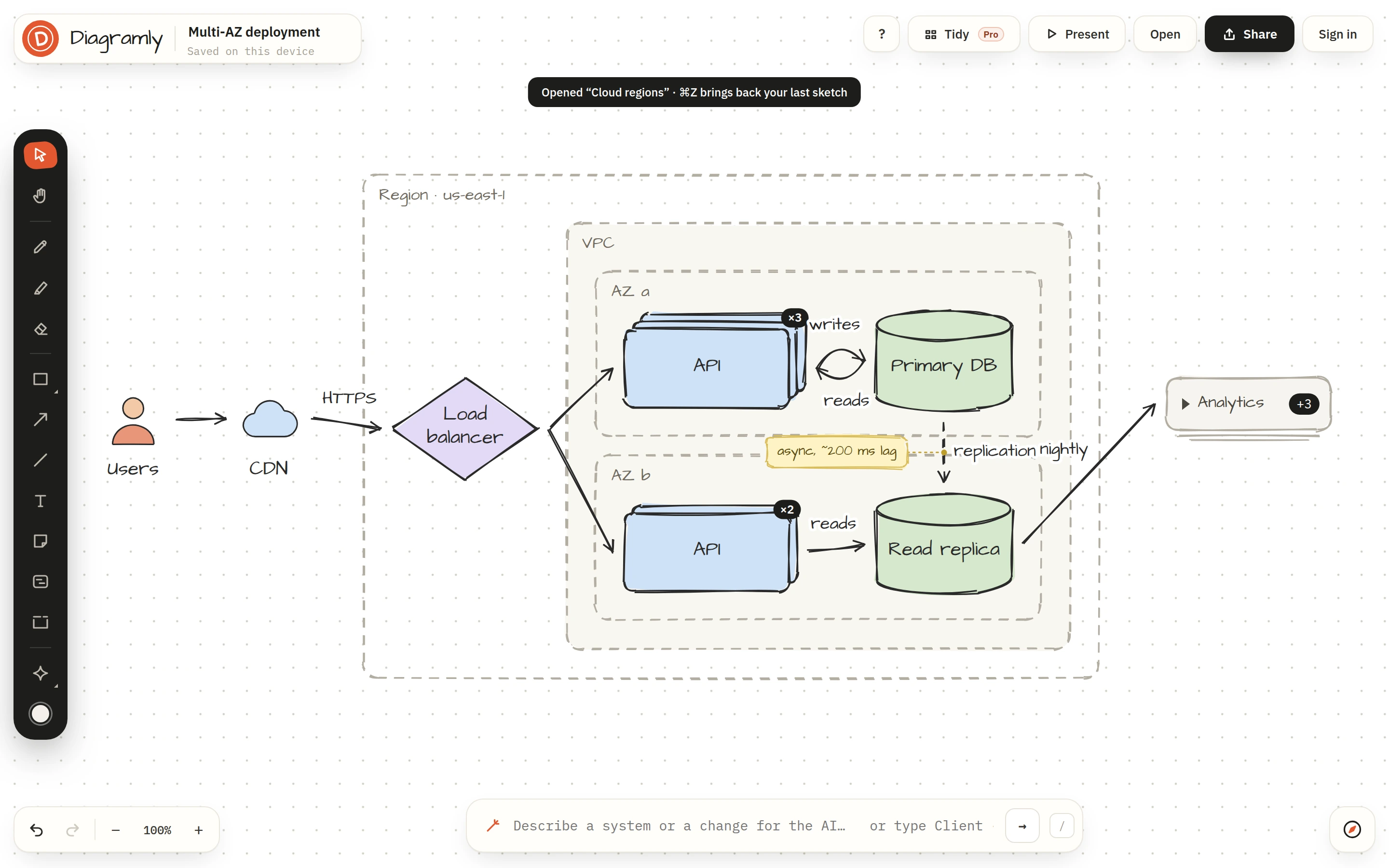
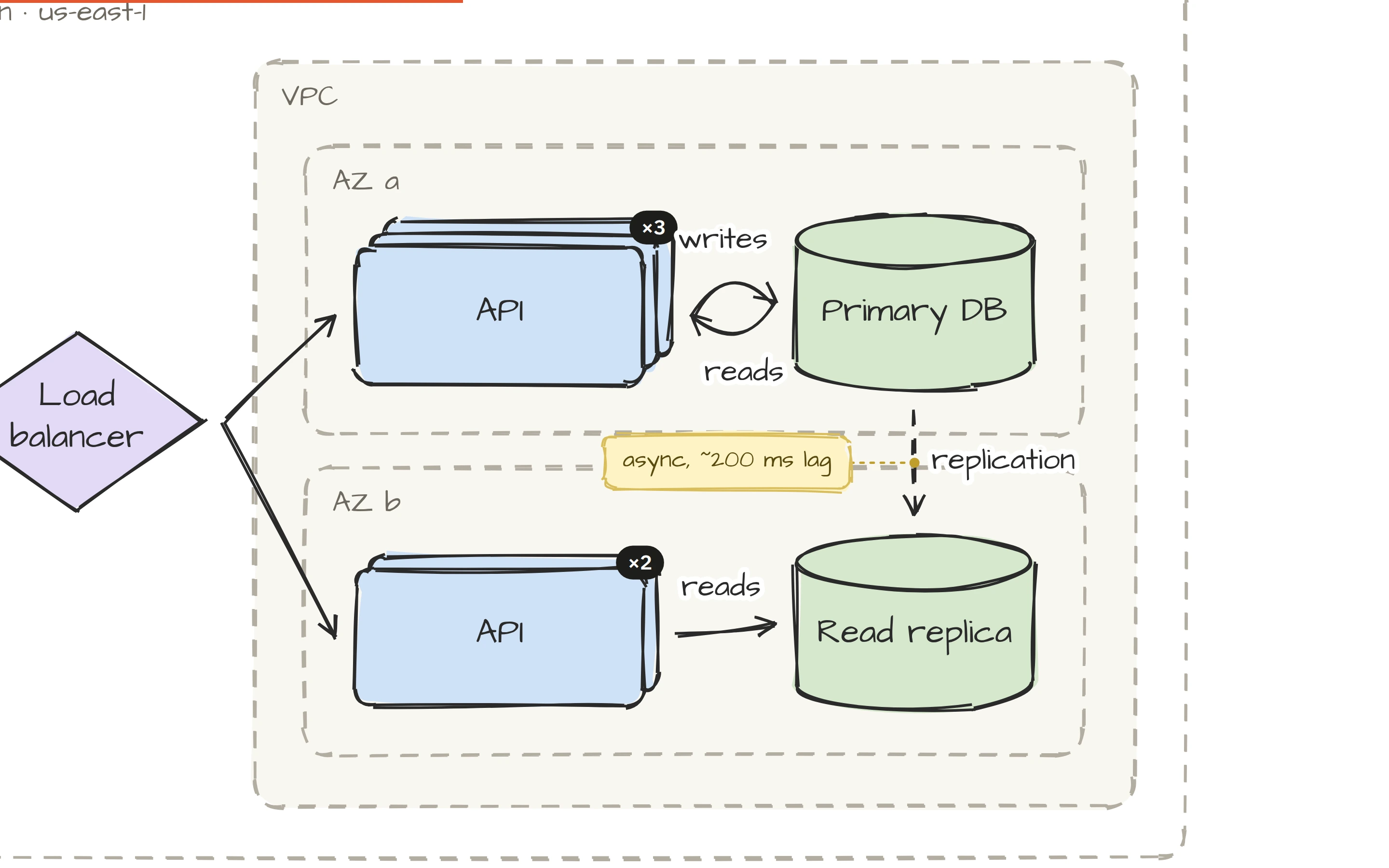
frame:in the sketch line). The interviewer sees the layers; you get a structure to talk through. - Show scale honestly. Select a service and give it a replica count. A ×3 badge on the box says "horizontally scaled" without three identical rectangles.
- Write the trade-offs on the page. A sticky note (N) for the numbers, a
{Cache hit?}where the path splits, a label on the arrow for the protocol or the consistency choice.
The Cloud regions template is a good one to study for the multi-AZ and replication questions, and Data model for the schema round.
Keep every attempt
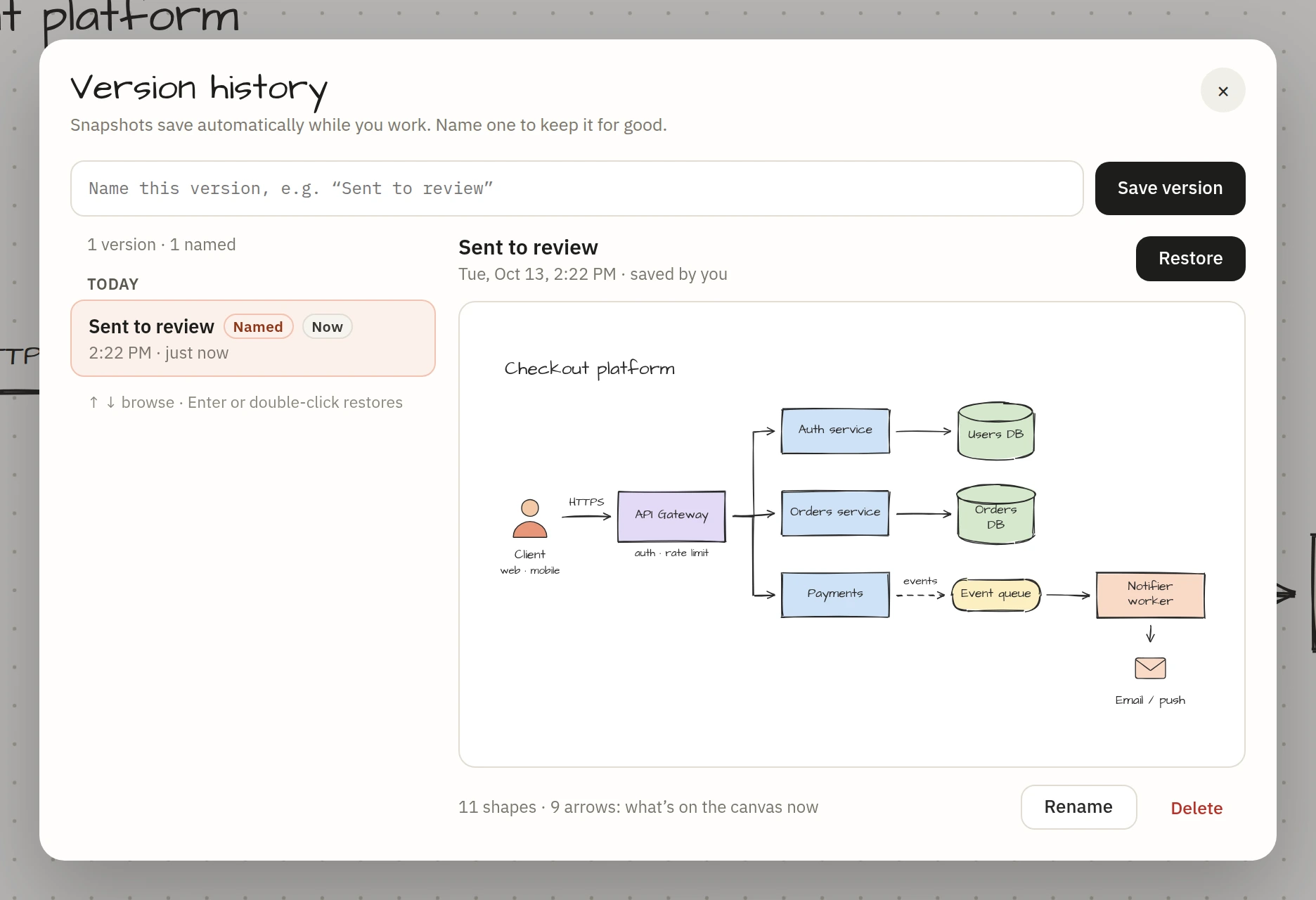
Name the state at the end of each run ("URL shortener, attempt 2") in version history and compare them a week later. You'll see what you add on the second pass that you forgot on the first, which is exactly the list to drill.
Rehearsing the walkthrough
Explaining the design is half the interview. Press ⇧P and the diagram becomes a presentation: each frame a slide, the camera flying between them, the shapes sketching in as you reach them. Talk it through out loud against a timer. If a section takes too long to explain, the diagram is carrying too much, and you'll find out at home instead of in the room.
Practising with someone? Send them the view-only link from Share → Link. They can pan, zoom and press Present without an account, and your original stays yours.
In the interview itself
Most interviews now run over a video call with a shared screen. Open the canvas, share the tab, and draw by typing. A few things make a difference under pressure:
- Put the requirements in a note first, top left. You'll refer back to it, and so will they.
- Build the first version in one or two sketch lines, then refine with the mouse. Typing is faster and calmer than dragging.
- 0 fits everything when they ask about the whole; pin a view (Atlas → Pin this view, then keys 1 to 9) on the part you keep coming back to.
- Undo is ⌘Z. Deleting a wrong idea and redrawing it is part of the performance, not a failure.
The hand-drawn style helps here too. A sketch reads as thinking in progress. A polished vector diagram reads as something prepared earlier.
Afterwards: the PDF and the slides
Some processes ask for the design afterwards, or run a take-home round where you submit a written design. Both exports live under Share → Export:
- PDF puts the whole diagram on one page at print size. Attach it to the design doc.
- Slides PDF (Pro) turns the frames you presented into a 16:9 deck, one page per frame and an overview at the end. It's the walkthrough as a file, for a panel that wants to flip through it.
For a take-home, publishing the diagram gives you a page to link in the document, and the version history means "what changed since the first draft?" has an answer.
A plan for the week before
| Day | Do |
|---|---|
| 1 | Three prompts from the sketch line only, 10 minutes each. No mouse. |
| 2 | Redo the weakest one with frames, replicas and notes. Name the version. |
| 3 | Present it out loud, timed. Cut what doesn't fit in 8 minutes. |
| 4 | Mock with a friend over a view-only link. |
| 5 | Export the slides and read them as the interviewer would. |
Open the canvas, press /, and start with the system you least want to be asked about.